Partner Dashboard

Nov 24, 2025

PDFs in emails


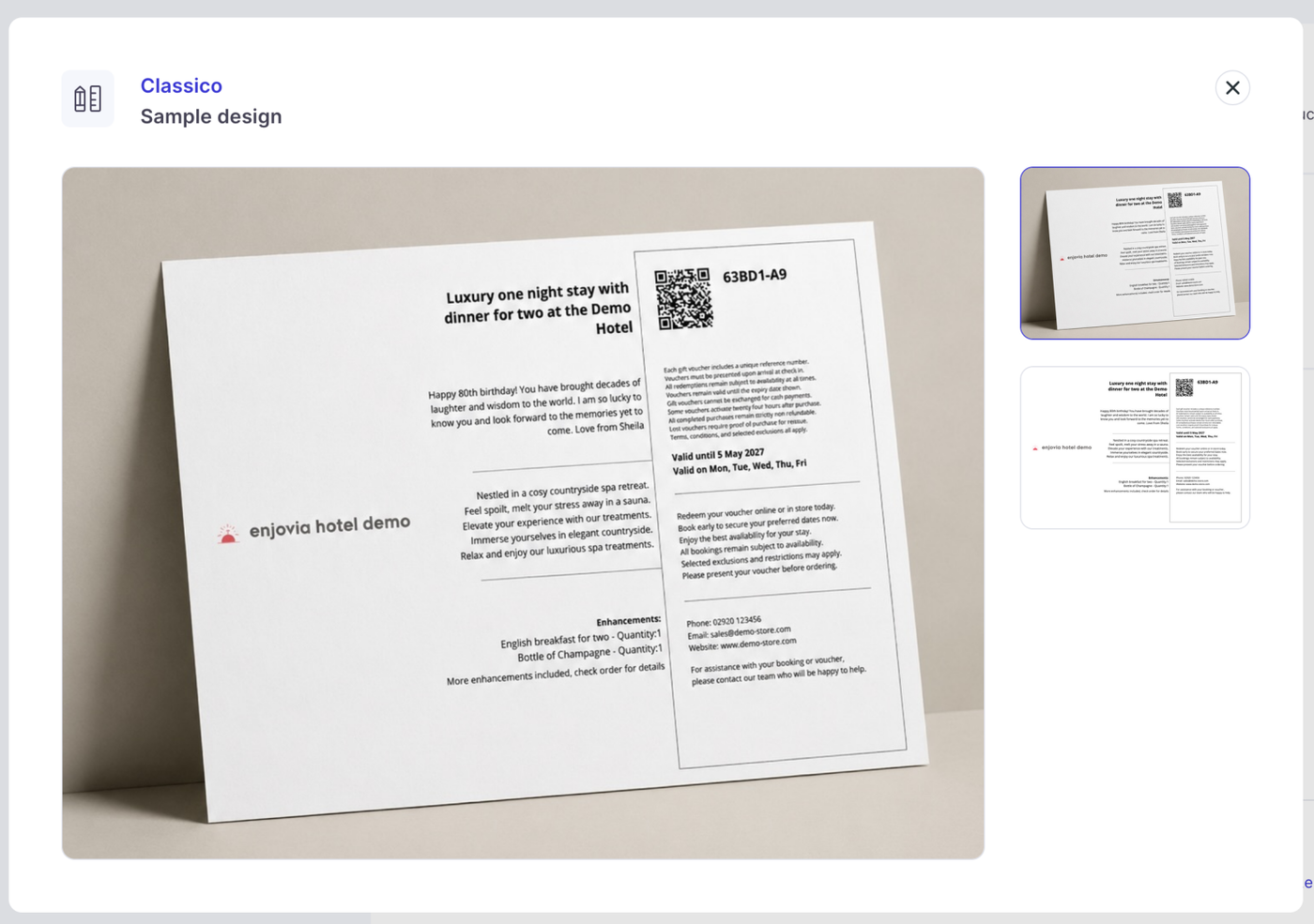
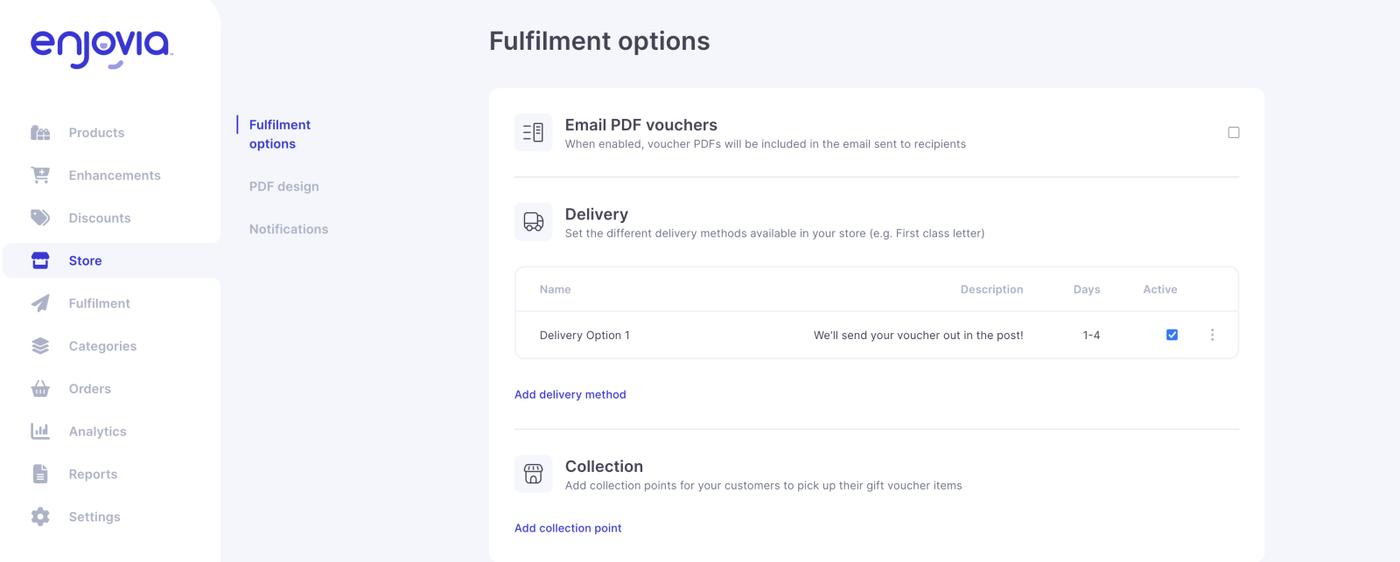
PDF versions of vouchers can now be attached directly to outgoing emails. This makes it easier for customers to download, save, or print their vouchers without needing to revisit the storefront. 

This new feature can be found under fulfilment, and its the top Email PDF vouchers, this will attach a PDF to emails which get sent out, we would recommend changing your voucher email wording to accomodate this. 

Important note: When you enable fulfilment, two new fields appear as options on every product page: PDF description and PDF terms and conditions. These fields are added directly to the generated PDF, so each product will need to have both fields updated to ensure the correct information is displayed, this does not happen automatically you will have to manually do this, or PDFs will leave the fields blank.


Increased email description


You can now add longer descriptions to your emails. This gives you more space to outline details and provide extra clarity. Linebreak formatting has been improved to keep messages tidy and readable.


Category Tiles on Storefront 

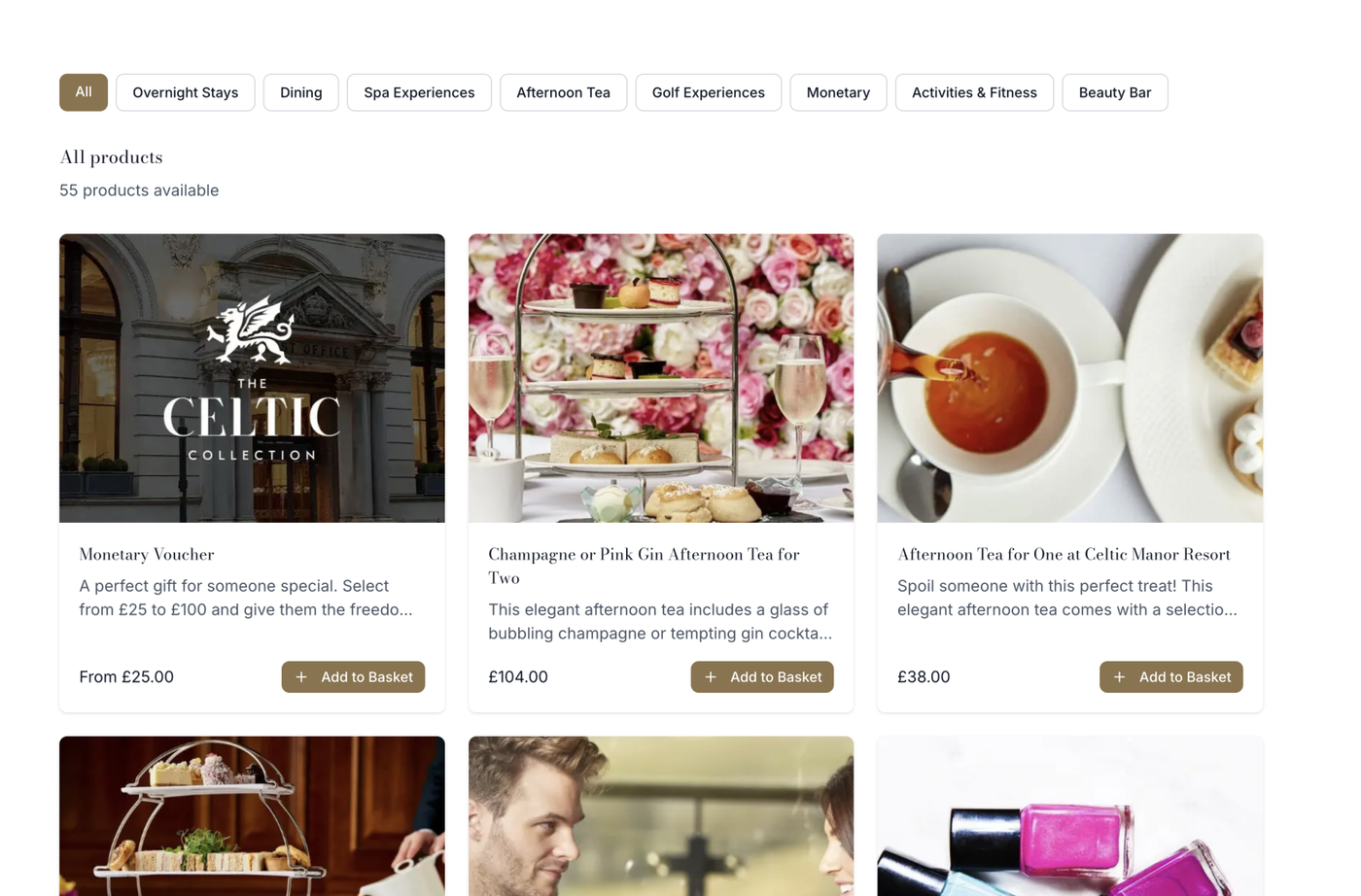
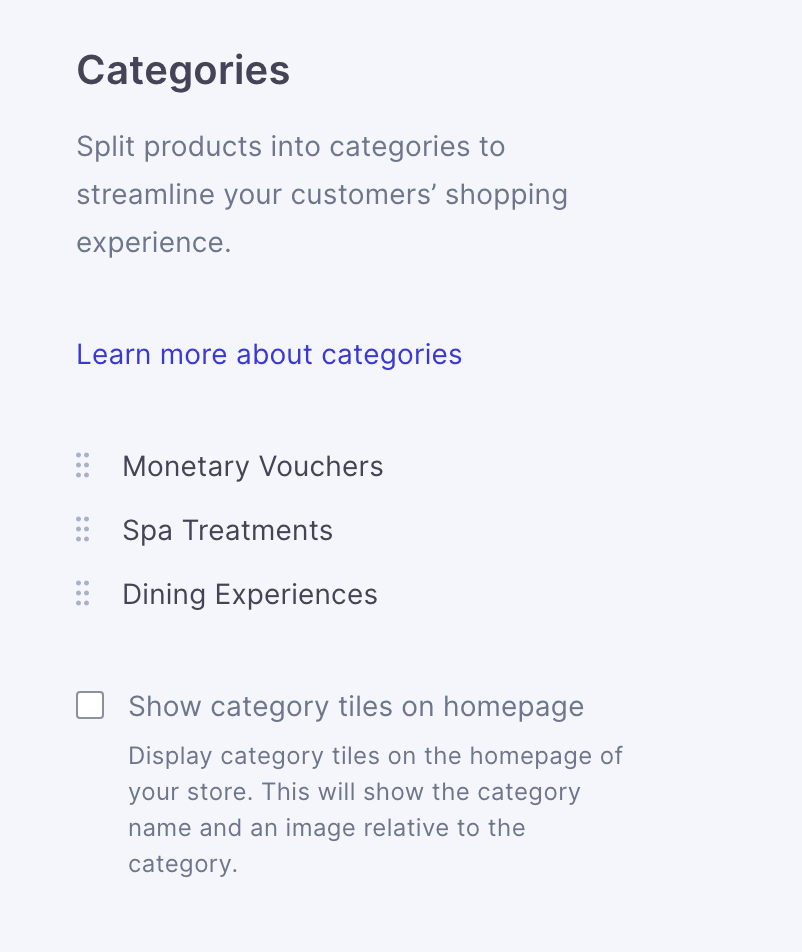
We have added an option for category tiles to show in storefronts, this can be enabled in store settings. 

If this option is chosen, the categories will show as standard on store home: 


Google Analytics, Meta and TikTok integration


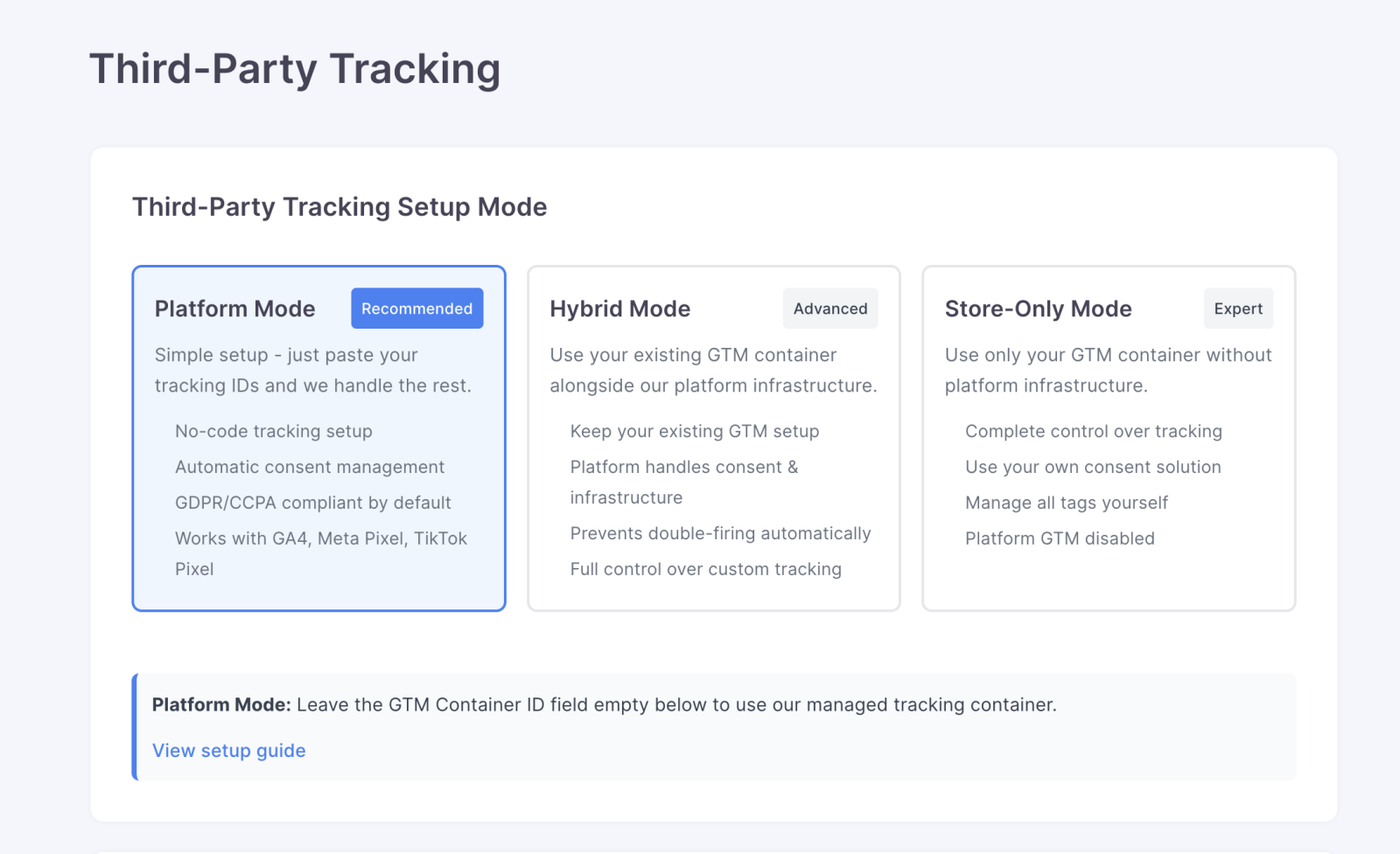
Another highly requested feature, your storefronts can now connect to Google Analytics, Meta and TikTok. This allows you to track visits, conversions, and customer behaviour across your voucher pages. Setup is simple and gives you deeper insight into performance. We have preset set ups and you can create fully customisable set ups for more complicated set ups. You can find this is store settings under Third-Party Tracking. 


GDPR and PII improvements


Due to 3rd party tracking, additional privacy and data handling improvements have been made behind the scenes. These updates strengthen compliance with GDPR requirements and better protect customer information. Including a stronger cookie policy for all accounts, which can be found in the 3rd party tracking section. 


Cost centres


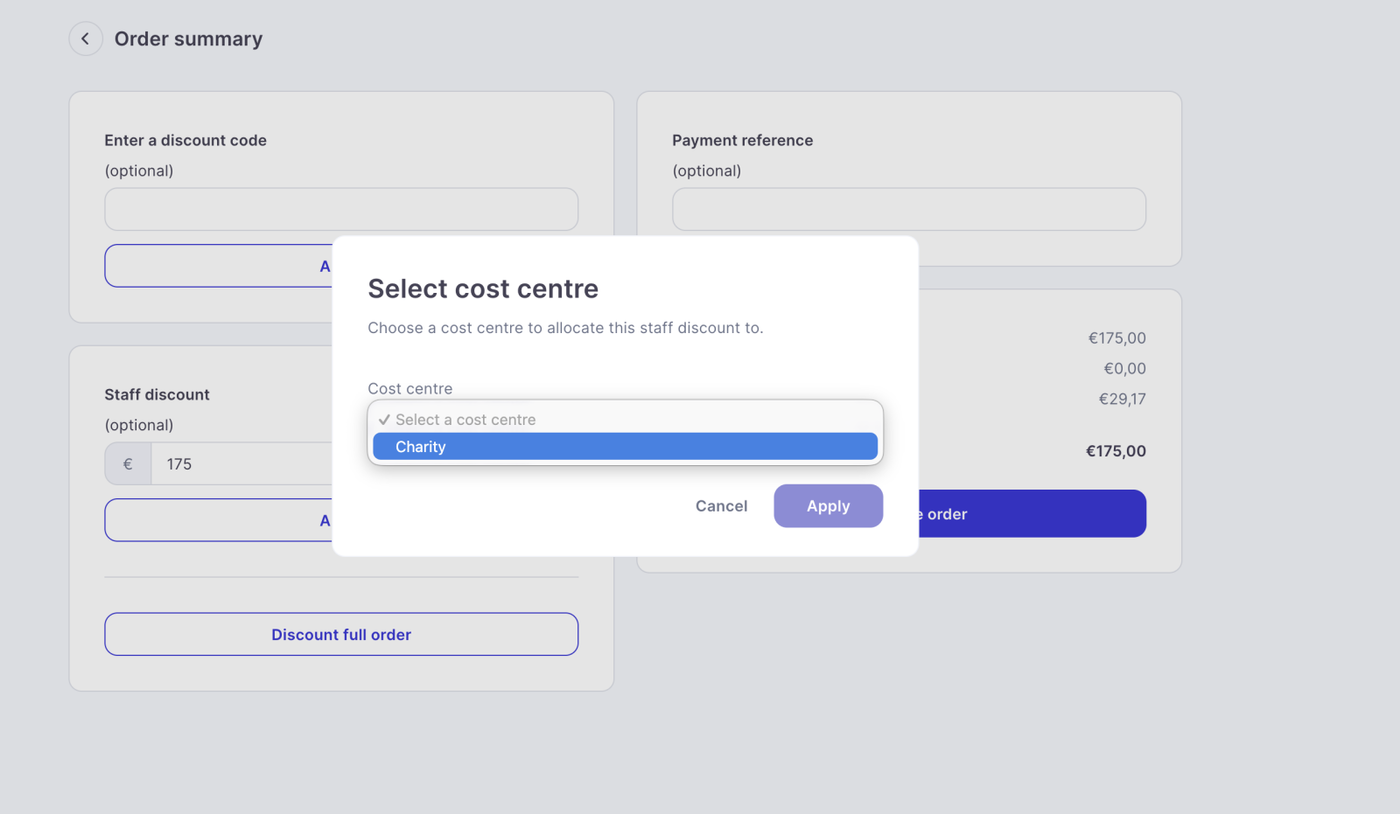
You can now assign cost centres to staff discounts when using the sales terminal. This makes internal reporting easier, especially for finance teams who need clearer allocation of revenue and usage.

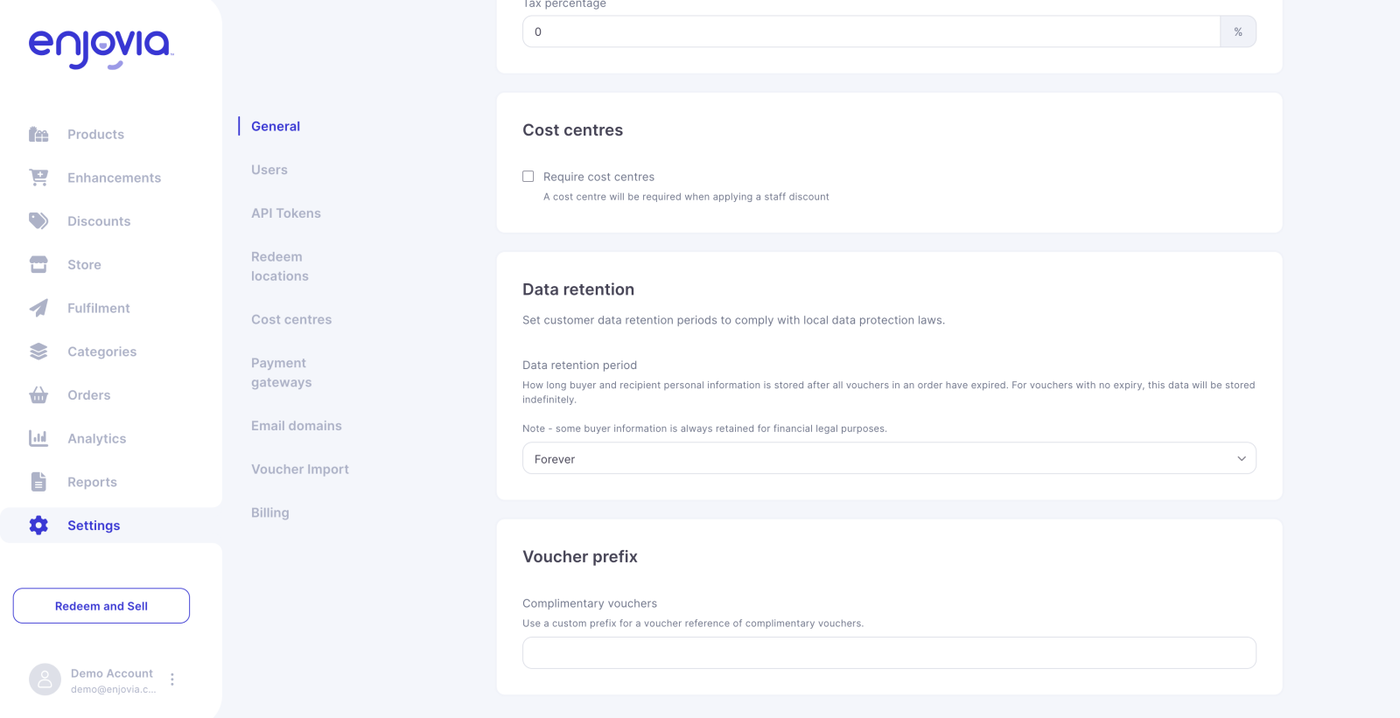
You can create cost centres in the account settings. 

These can then be assigned to users and be placed against internal voucher creation in the terminal and will appear in reporting. 


Complementary voucher prefixes


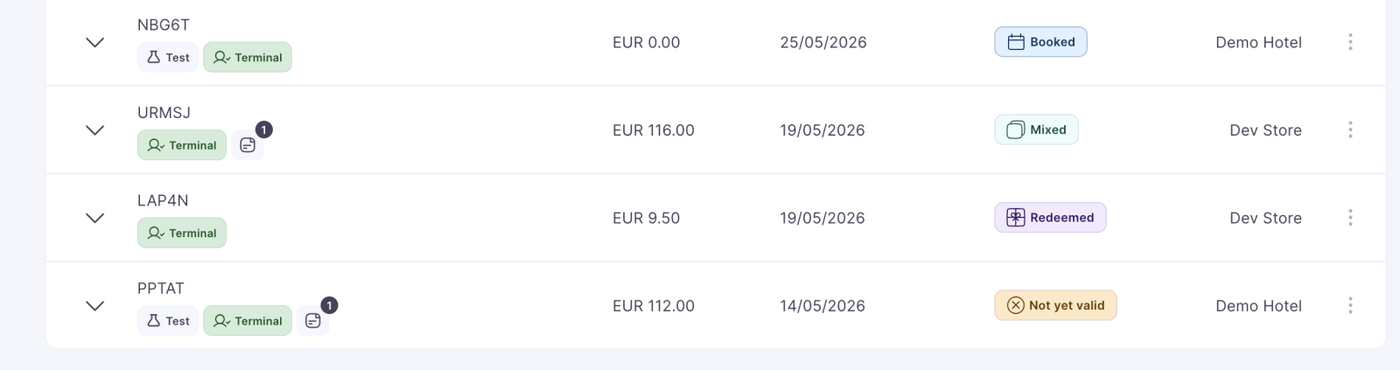
You can now set custom prefixes for complimentary vouchers. This makes them easy to spot in reports and helps keep your internal naming structure consistent. The prefix is added to the front of each voucher code. For example, using C- would produce a code like C-PDX3F-34 when generated through the terminal. This feature can be found in the account settings. 


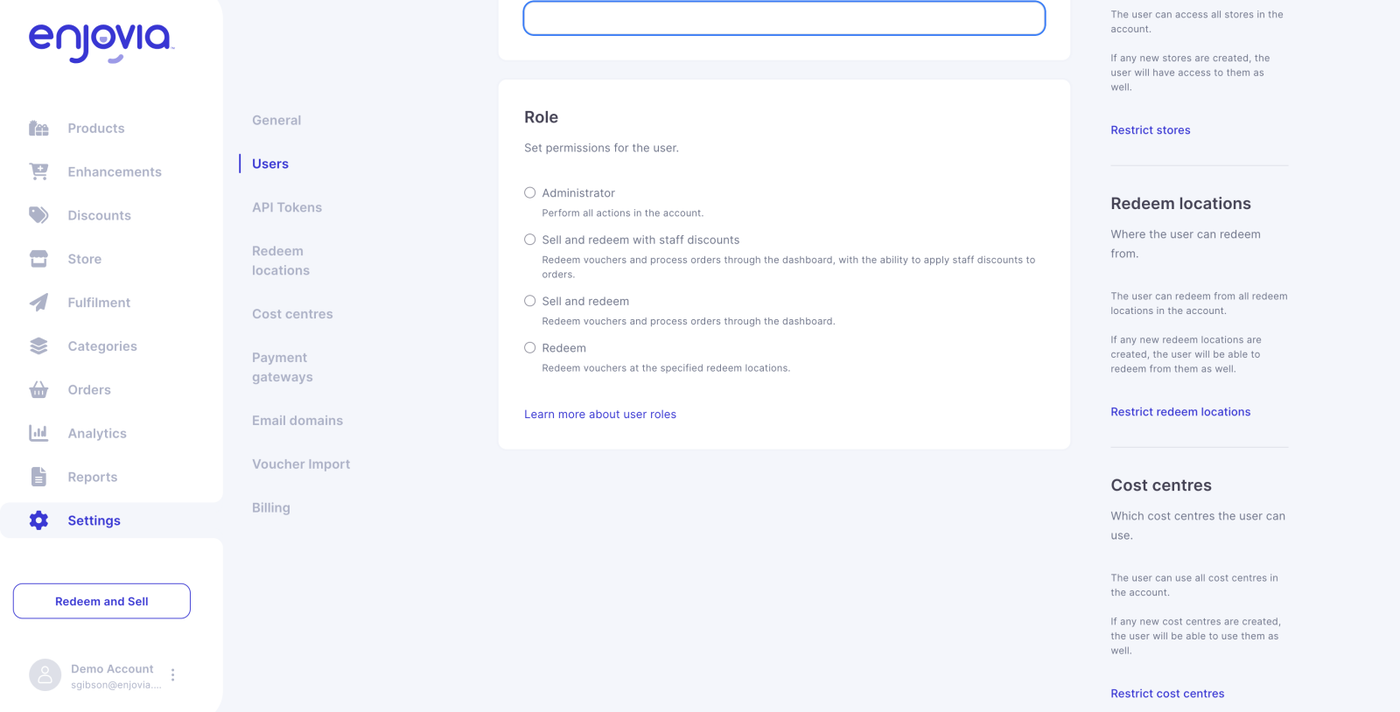
New role: Sell and redeem with discounts


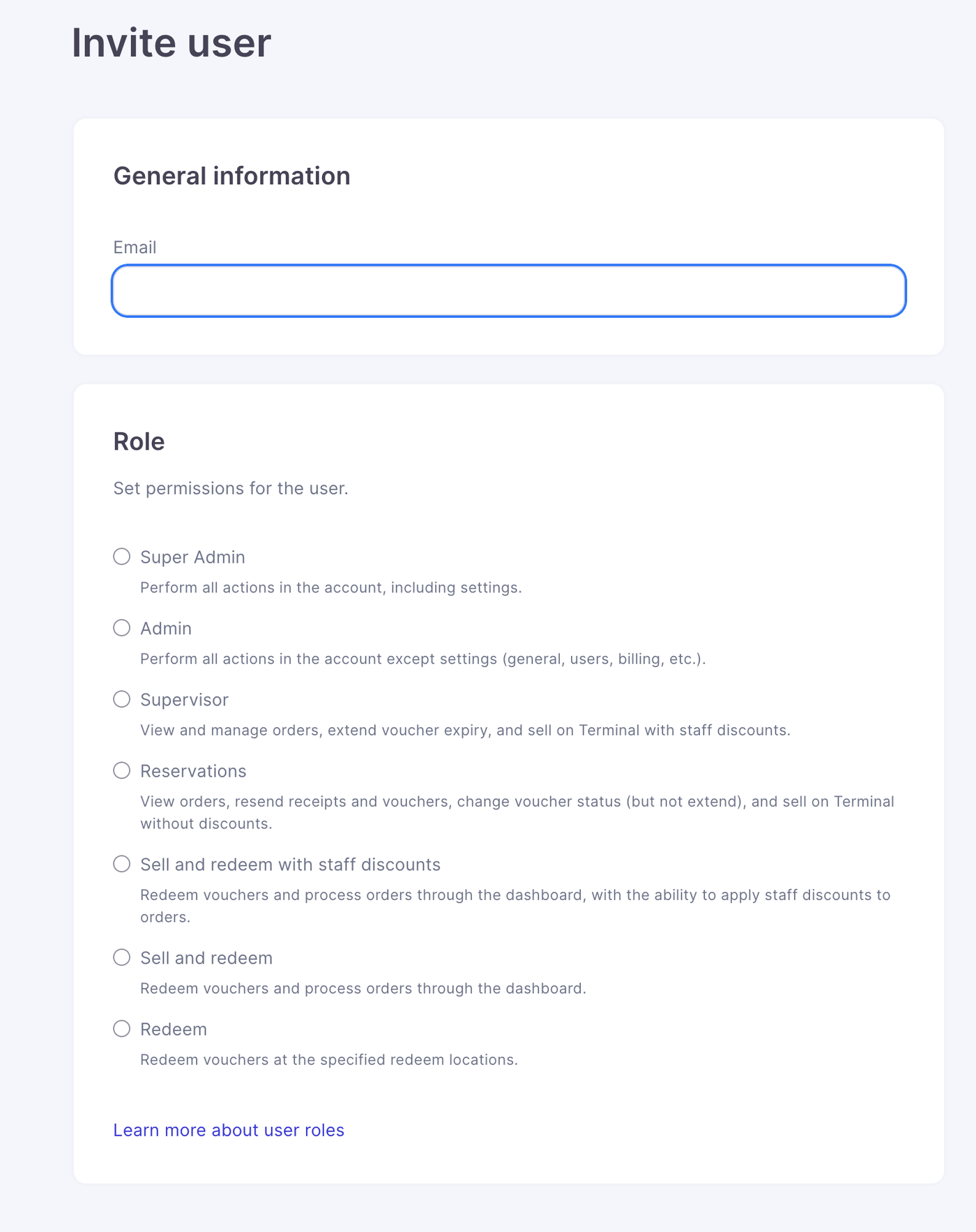
To compliment these two new features a new user role is available that allows team members to sell and redeem vouchers while applying approved discounts.

Note: This means sell and redeem users cannot now create discounts in terminal


This provides more flexibility for sales staff and on site teams. Admins can now also restrict certain cost centres to certain users to ensure employees cannot use cost centres outside of their department. 


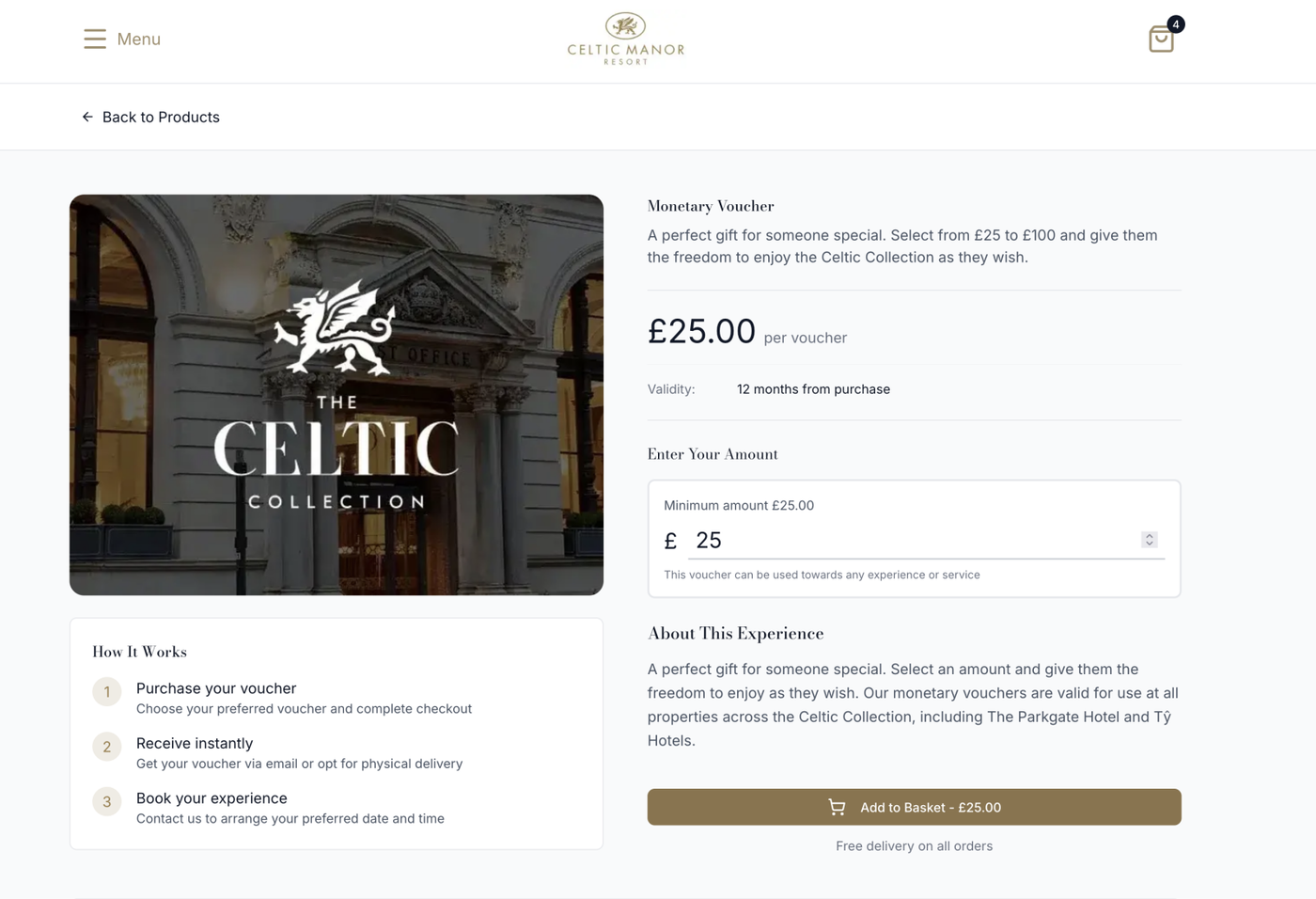
Single monetary prices on storefronts


Monetary vouchers can now appear as single prices on your storefronts. This keeps the design cleaner and makes purchasing simpler for customers. This means if you create a monetary voucher with only a single fixed value it will show as a simple purchasable product. 


Super Admin users can redeem


Super Admin level users now have the ability to redeem vouchers. This helps central teams support on site operations and handle exceptions more easily.


Store grouping for invoices


Invoices are now be itemised by store. This gives you cleaner monthly statements and makes reconciliation quicker for finance teams.


Partner Level Invoice now shows account


Partner Level Invoices are now itemised by account. This gives partners cleaner monthly statements and makes reconciliation quicker for finance teams.


PDF “from” translations fixed


Foreign language translations for the “from” field on PDFs have been corrected. This ensures all voucher PDFs display accurate and polished translations.


Currency Analytics Fix


A correction has been applied to the way top selling currencies display in analytics. These values now show store currency accurately. 


Mar 07, 2025

Set a new account to live in super admin dashboard.

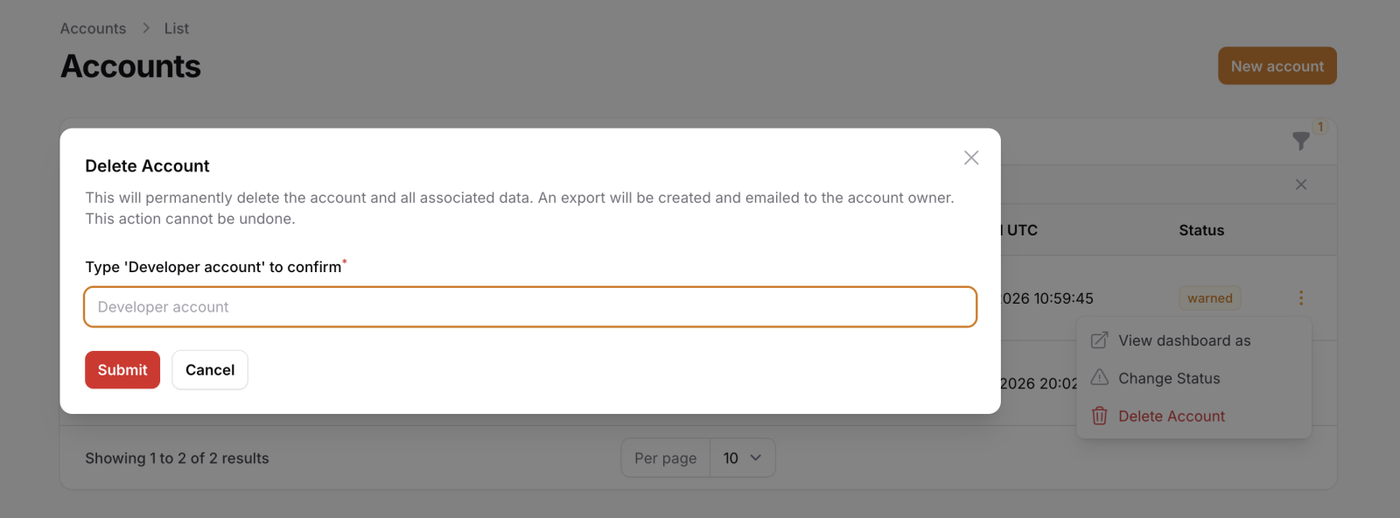
You can now set that a store is live in the admin dashboard, a store that is not live will not generate invoices, this allows demo stores to be made without automatically sending invoices out at months end.

If a customer sets a store to live and then unsets it to live, but makes sales while the store was live, the commission will carry over to their first invoice when the store next goes live.


Allow invoices status's to be set via admin dashboard

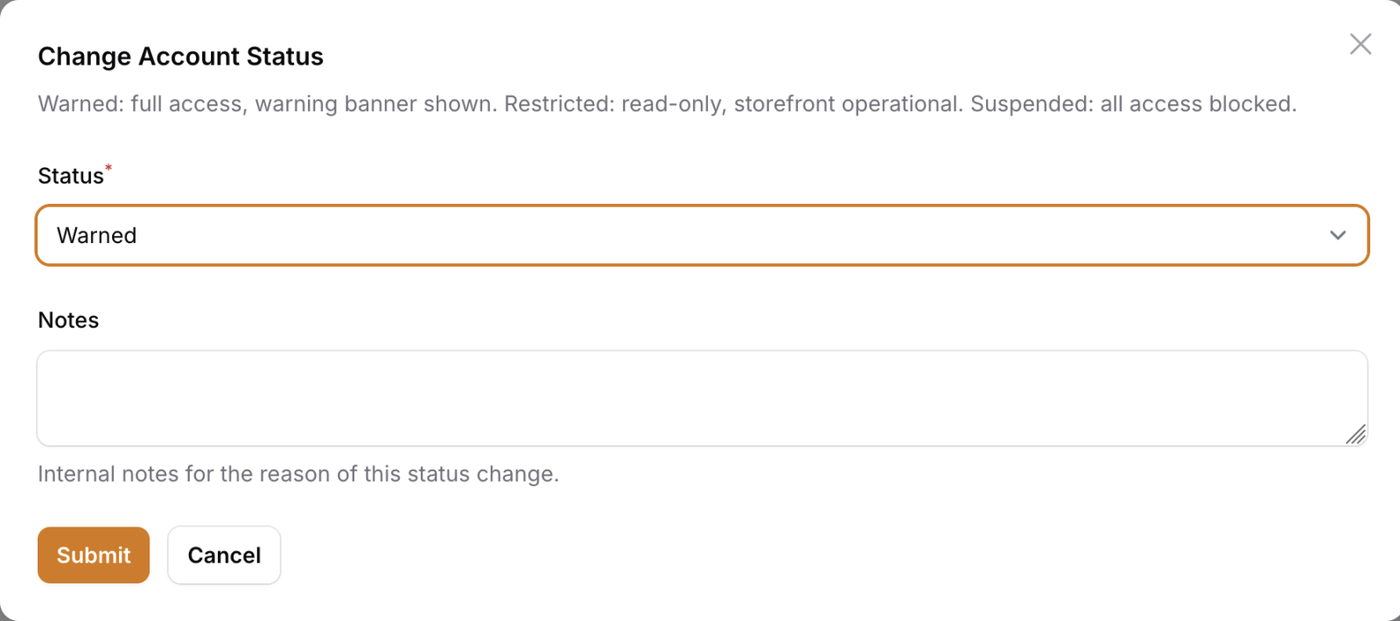
Within the admin dashboard master invoice list, invoices status can now be manually changed, with there being 4 options.

Paid - The invoice has been paid.

Disputed - the invoice is in dispute from the client.

Void - The invoice has been cancelled and needs to be remade.

Write off - The invoice has been fully written off and will not be paid.


Add image template library link

We've added a link to our template library on the image upload section of a product. This library of templates will be added to every few weeks.


Close filters when clicking outside

Filters tab will now close when clicking outside of the side window.


Update to all Empty State Pages

The remaining empty state pages on the enjovia system have now been updated with suggestions and links to the help centre to enhance the user and onboarding experience.

The following pages now have an enhanced empty state page.

* Users empty state page
* Invitations empty state page
* Redeem locations empty state page
* Payment gateways empty state page
* Email domains empty state page

Jan 13, 2025

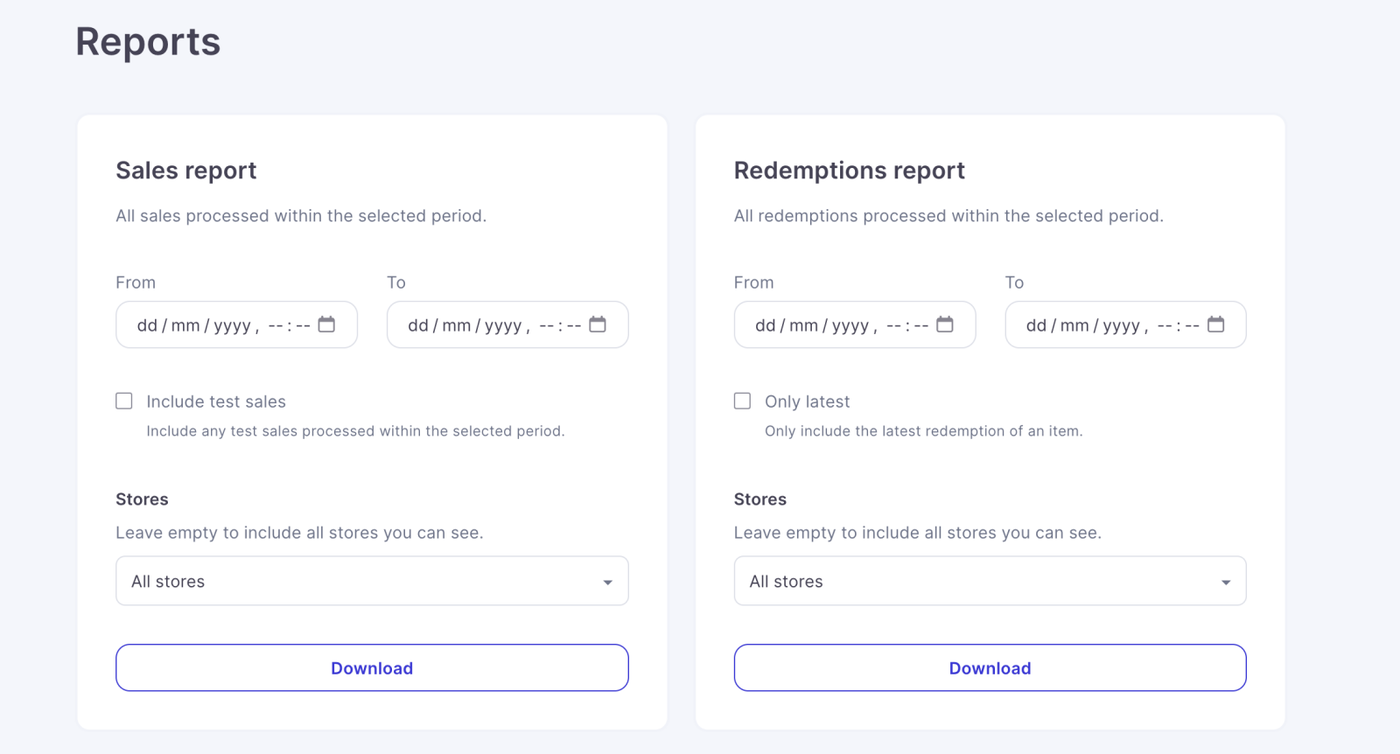
Add test column to sales exports

We have added a test column to sales export reports, which will show whether an order was made in test mode or not.


Allow filtering by test sales in exports

Alongside the above change, we have added a new field in the reports tab which will give the option to include test data. It will be excluded by default unless requested.


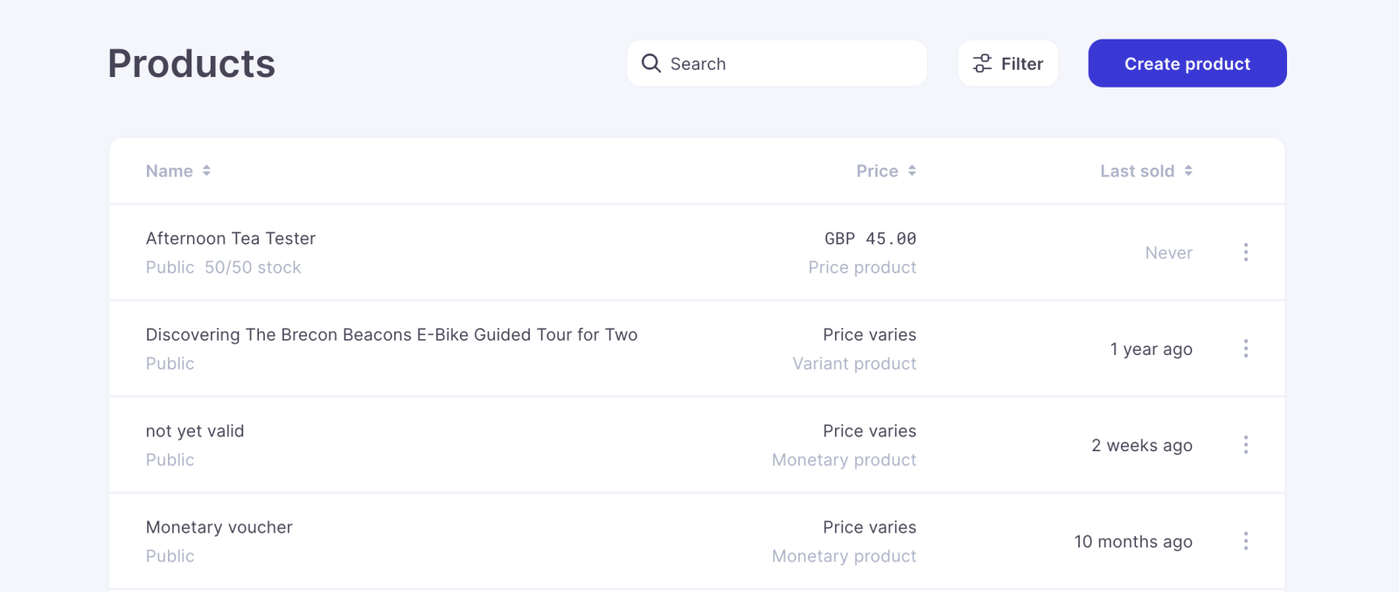
Added a new item type field into reports

We have added a new item type field into sales reports to help further clarify the sales reports. This new field will display the type of product sold, there are 4 types of product currently supported by the system.

1. Standard product
2. Enhancement
3. Variant product
4. Monetary product


Allow accounts to be set as demo

This is an internal change for the super admin dashboard. We have created a flag for demo accounts to be set as demo, so they do not clog up customer lists and facilitate easier invoicing and customer management.

When a new account is created, this can now be flagged as a demo account.


Add United Arab Emirates Dirham

We have added the UAE Dirham to the system as a supported currency.


Oct 28, 2024

Stripe accounts can be added to other Enjovia accounts from the admin dashboard

Stripe accounts can now be added to other enjovia accounts from the dashboard. This partner request was made so that the same stripe account can be added to multiple enjovia stores / accounts without triggering stripes internal seperating ID.


Monetary value fields should not be prefilled on browser back navigation

Fixed a bug where monetary fields were saving with prefilled data when browser back navigation was used during checkout. This field is now blank.


Explain the first product image is used in terminal sales

Added a description to product image uploader, stating that the first image will act as the default image and will be the image used on terminal sales.

                                            Better description on default images for terminal

Remove link to view privacy policy

Removed a link to view privacy policy from the settings page on enjovia, this can still be edited from store page. Settings version went to broken link and has been removed.


Show Euro sign at start of price

Fixed issue where Euro sign was showing behind the price of monetary and experience products on terminal, this now accurately reflects European norms.

                                           Correct placement of Euro Symbol on pricing.

Oct 24, 2024

Sales Terminal Released.

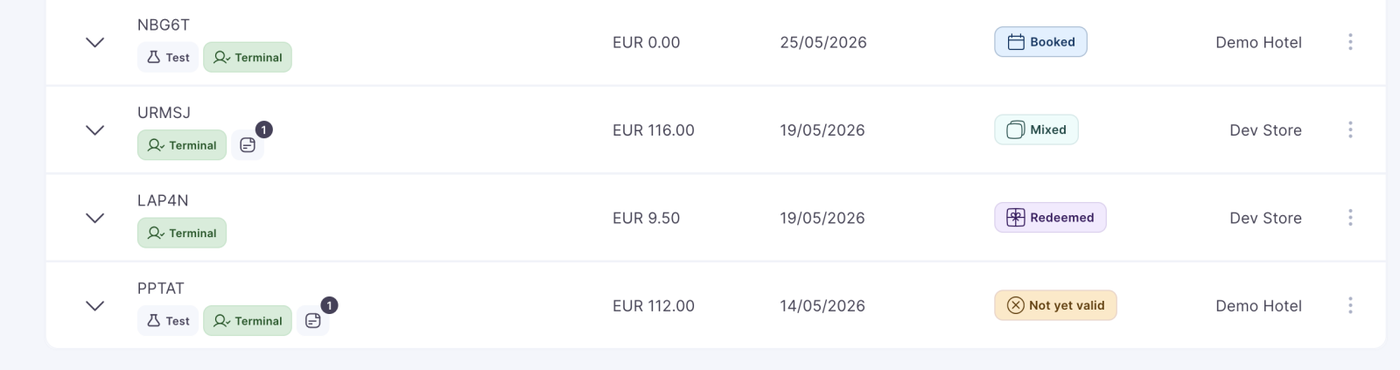
The sales terminal allows enjovia users to create vouchers within the admin dashboard. This feature is designed to faciliate face to face and over the phone voucher sales and facilitate the creation of complimentary (free) vouchers.

This will permit the sale of internal products (products only visible to internal users)

This will also allow staff discounting of vouchers, on top of normal promocode usage, this will allow fully discounted vouchers to be created on the system, these vouchers are also known as complimentary vouchers.

This terminal will also permit the creation of test products in stores with test environments enabled, this will permit users to create test vouchers and explore the system in greater depth before going live.

                                      Terminal - Where users Redeem and Sell Vouchers.

Filter Sales Terminal sales channel to live sales when creating live orders, but all sales channels while making test orders

A live store can process test and real orders, whereas a store which isn't in live mode, can only process test orders. No products will appear to sell on the normal terminal sell a product section unless a store is set to live. We needed to seperate out these two product types via filters.


Fix Invoices Overflow Menu Wrapping

Occasionally the invoice overflow menu had wrapping issues, which were causing information to bleed over the table. This has now been fixed.


Internal invoicing

We have enabled internal invoicing, which can be turned on in the super admin dashboard for an account. What this means is that no invoice is sent or visible to the end customer. The invoice will still generate but will only be visible on the admin dashboard. The use case for this is for partners which have bundled services and already send their own internal invoices and do not wish for seperate invoices to be sent to the customer.


Reconciling invoices

Enjovia use Xero internally for accounting, we have built an API connection which will generate a xero invoice to match an internal enjovia invoicing, this will make reconciliation of future invoices much easier. This will work for partners, but unfortunately due to xero's internal policies is only available in certain regions.


An email domain can be deleted.

Setting up an email domain on Enjovia to send emails from, previously could not be deleted, which meant for test stores made or errors, it would have caused issues. These can now be deleted and the deletion is reflected in the backend of the database too, faciliating the same email domain usage on future stores.


Increase logo size on dashboard login page.

A request from a partner, who felt the logo on the admin dashboard login page was too small, this has now been increased and is more visible.

                                                      A more prominent login page logo

Fix inconsistent font sizes between total label and total value in the checkout

Some of the font sizes betwene total label and total value were not consistent, we have changed these so that now they are the same size.

                                 Total Label and Total Value are now same font size in checkout

Monetary product custom input field should validate in real time

When a customer inputs a value that is below or exceeds the minimum and maximum value allowed in the monetary gift voucher fields, instead of waiting to validate when they try to purchase, an error message will show as they type the mistake. This stops a mistake being made in real time.


                             Monetary value errors are now validated in real time as you type

Monetary redemption values should validate in real time.

This is the same feature as above, but in use during the redemption process within the terminal. If a user tries to redeem a value greater then the value of the voucher this will validate as the mistake is being written out and stop any redemption, before the redeem button is pressed.


Update partner transactions export

Request from a partner, they required Duplicate account, payment gateway, order, and store columns across rows within exportable reports, so that the data could be better interrogated.


Some content overflows on certain screen sizes.

A small visual error, some content was overflowing on certain smaller screen sizes, this is now fixed.


Subscribe